Stop the presses! I just found out that there is a new, free plugin named Samplab that offers the same amazing polyphonic audio-to-MIDI features as the celebrated Celemony Melodyne plugin! Could this be a free Melodyne alternative? Read on to find out!
What is Samplab?
Have you ever heard a loop and thought “this is perfect for this song, but I wish that last chord wasn’t minor”? And there’s nothing you can do about it, because it’s printed into an audio file? Or have you wished you could turn audio into MIDI? Then Samplab might be the answer.
Up until now, this has been the exclusive domain of Celemony Melodyne. Melodyne is an amazing plugin that can deeply analyze an audio signal and convert that source into a fully editable performance, including splitting up polyphonic audio chords into separate notes that you can edit! But it comes with a pretty hefty price tag, and I know people are looking for free Melodyne alternatives.
Luckily, I got tipped off to a free VST plugin that can do this. Let’s take a look.
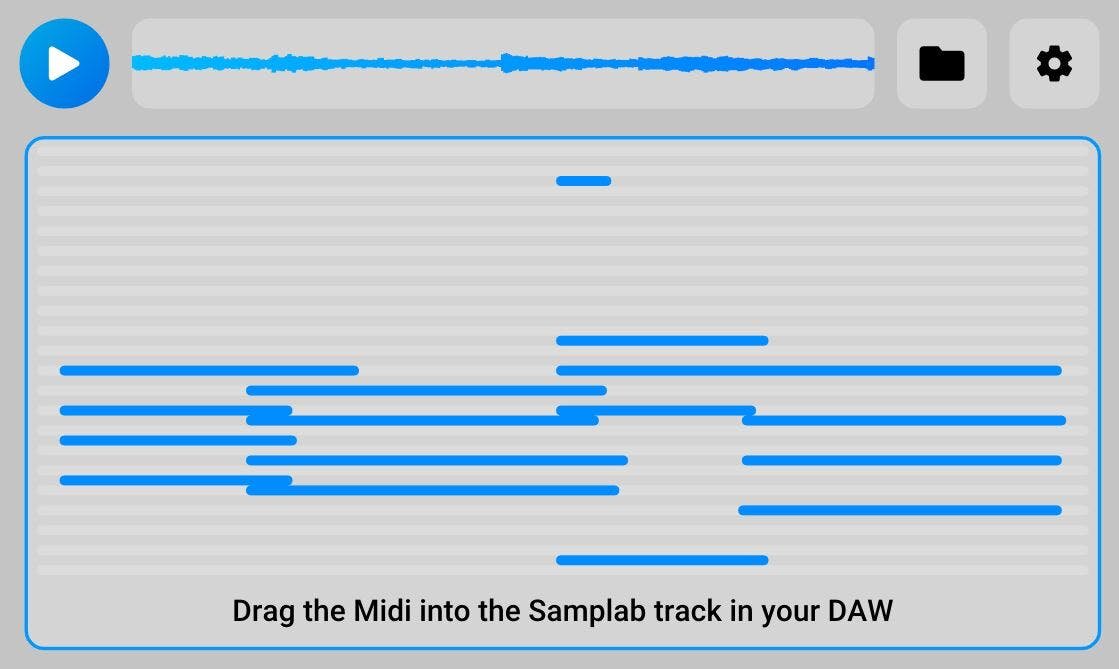
For a test, I grabbed a stereo recording of a picked guitar part, all major chords: C, B-flat, F, and G.
Then I need to load Samplab as a VST instrument, and drag that wave file on to Samplab (you can drag directly in some DAWs like Ableton Live, but in Cubase, I had to import the file using the folder icon. Hopefully this will be addressed in the future!). Samplab then shows a spinning musical icon for a few seconds.
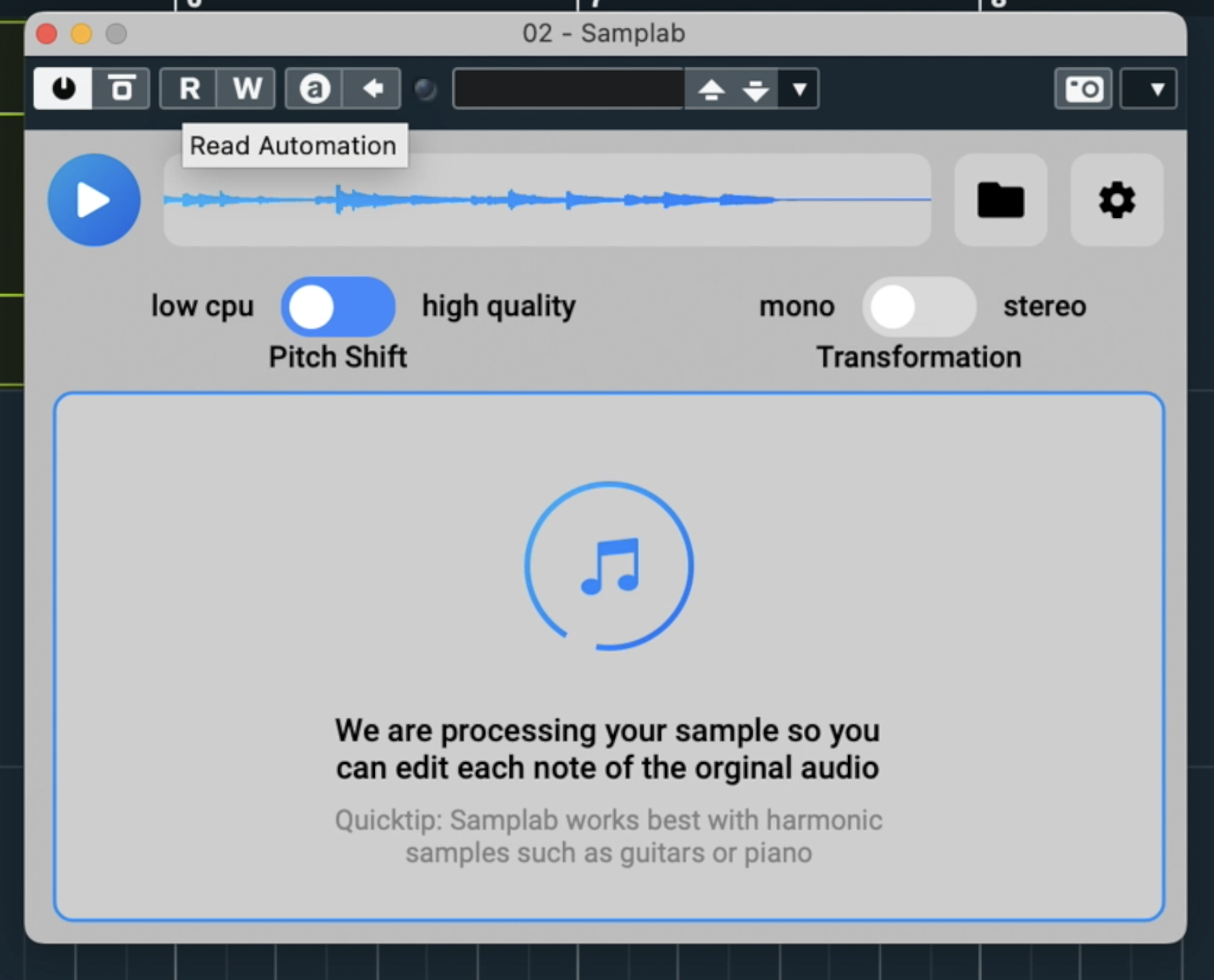
What it’s doing here is really cool: it’s uploading the audio file to the Samlab cloud server, analyzing it, and sending it back as MIDI data! In a couple seconds, Samplab displays a MIDI file, and I can simply drag that back in to my project.
If I hit play, it sounds exactly the same, like it’s been sliced in REX, or Kontakt, or your DAW’s sampler track.
But here’s the crucial difference: if I open the Piano Roll, I see separate notes. As if the guitar part had been played by hand in MIDI!

I was then able to go in and change the notes freely—and it sounded realistic! I decided to change from C major to C minor, and it was so easy. Here’s the resultant file:
Sounds fine, right? Remember: that was originally an audio file where I have no control over whether a part is major or minor! When faced with this dilemma previously, I would usually resort to copying over a major part to the relative minor, creating a kind of 7th chord that might cover the fact that I simply do not have control over the key of each chord! But now, I can really push the possibilities with loops and vocals!
Two things to note: this is still in development, so some features are visibly not available right now, like “high quality” and “stereo” (even though it can read stereo data). And this is a basic version of one of Melodyne’s many features, so this is not a replacement for Melodyne’s full suite of features (vocal alignment; complex tuning and timing functions), but this is the only plugin out there that will let you dig into a printed wave file and pull out the notes!
Speaking of, you can just go ahead and play the resultant MIDI patch just like a sampler patch. You can get some creative results this way too.
I highly recommend to any and all producers! Grab Samplab here:
https://samplab.com/plugin